


RFID & reservations
Decide who charges, and when.
Issue RFID tags per customer or across the whole platform, let drivers reserve a charger from the app, and keep every authorisation decision on the safe side.
RFID tags
Issued per customer and accepted at that customer’s chargers.
Global tags
Accepted across the whole platform, wherever the rules allow.
Reservations
A driver books a charger from the app so it is free on arrival.
Fails closed
If an authorisation cannot be decided, the charger says no.
RFID tags
One tag, the right chargers.
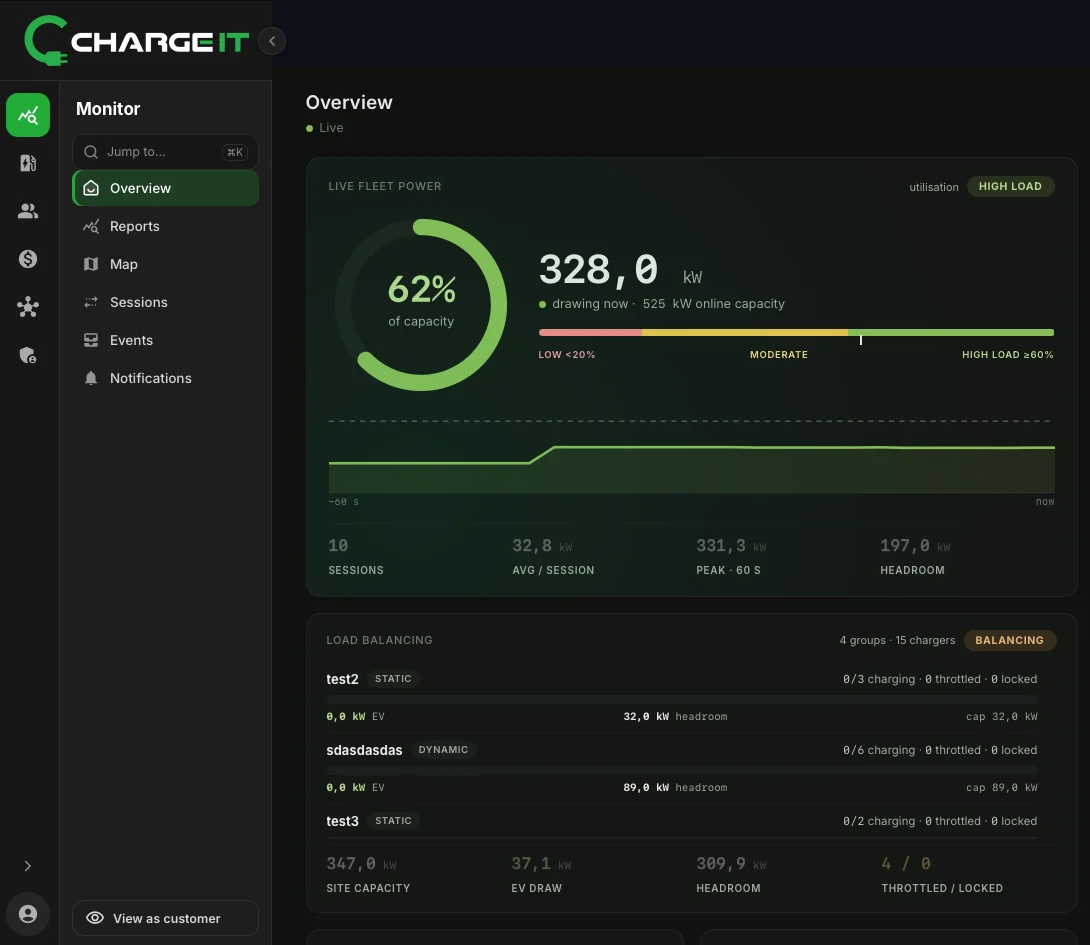
Tags belong to a customer in the tree. When a driver taps a tag, the charger asks ChargeIT, and ChargeIT answers from that customer’s rules.
- Per customer or globalKeep a tag to one customer’s chargers, or accept it across the platform.
- Private chargersHomes, offices and fleets that are not open to the public work by tag alone.
- Suspend in one switchSuspending a customer stops its users, its tags and its stations at once.
What happens at the charger
From a tap to a session.
A driver taps a tag
Or starts from the app or a QR code.
The charger asks ChargeIT
Over OCPP, with the tag’s identifier.
ChargeIT decides
Accepted or not, from the tag’s customer, the station and the rules set for them.
Charging starts
Or the charger refuses, and the attempt is recorded either way.
Reservations
The charger is free when the driver arrives.
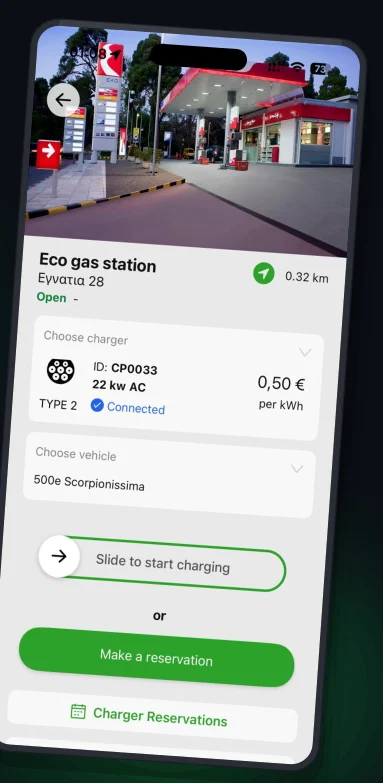
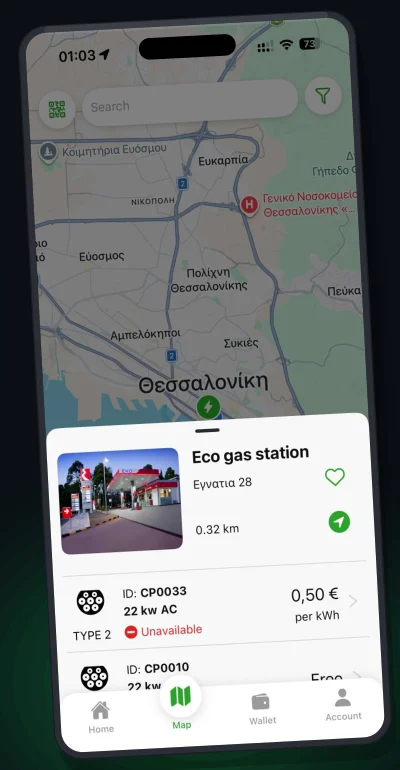
Drivers reserve a charger from the station page in the ChargeIT app, so it is free when they arrive. Reservations sit next to RFID tags in the console.
- From the appReserve from the station page, then drive there.
- In the consoleReservations, RFID tags and global tags managed in one place.
- A session like any otherPriced, paid and recorded the same way as every other session.
Questions
RFID and reservations, answered.
Can drivers use both a tag and the app?
Yes. Drivers can add their RFID cards in the app and start either way.
Do private chargers need the app?
No. Private chargers for homes, offices and fleets work with RFID tags, managed from the web console.
What if an authorisation cannot be decided?
The answer is no. ChargeIT fails closed, so a charger is never left open for a free charge.
Control access your way.
Tell us who charges at your sites and we’ll show you how it’s set up.
Book a demo