


Charge point management · OCPP
Every charger on one screen. Any brand, any OCPP.
Connect AC and DC chargers over OCPP 1.6J or 2.0.1 and run them from the ChargeIT console: live status per connector, remote commands, a security profile per charger and a full event history.
What you can do
Control without a site visit.
Everything the protocol allows, from the console or the API, for every charger you connect.
Live connector status
Each connector shows its OCPP state as it changes: available, preparing, charging, finishing, faulted or unavailable.
Remote start and stop
Start a session for a driver or stop one that should end, without anyone at the charger.
Unlock a connector
Release a stuck cable remotely, the most common reason a driver calls.
Availability
Take a charger or a single connector out of service for maintenance, and back in when it is ready.
Security per charger
Security Profile 1, 2 or 3 set per charger, with charger credentials stored hashed.
Event log
Every message a charger sends and every command it receives, kept per charger for diagnosis.
Protocol-native
Two OCPP versions, each spoken natively.
ChargeIT has separate handlers for OCPP 1.6J and 2.0.1. A 2.0.1 charger is never squeezed through 1.6 logic, so each version keeps its own messages, states and rules.
- Recovers like a real networkIf the platform restarts during a charge, the session continues; transactions in an unknown state are recovered instead of lost.
- Fails closedWhen an authorisation cannot be decided, the answer is no. A charger is never left open by mistake.
- Smart charging built inCharging profiles are what the load balancer uses to keep every site under its limit.
- →BootNotificationCP-014 · firmware 2.4Accepted
- →StatusNotificationconnector 1 · Availableok
- →AuthorizeRFID ••••7A21Accepted
- →TransactionEventStarted · connector 1ok
- ←SetChargingProfilelimit 16 AAccepted
- →MeterValues11.0 kW · 4.2 kWhok
- ←UnlockConnectorCP-009 · connector 2Unlocked
Getting a charger online
From the box to the map in four steps.
Add the charger
Create it in the console with its identity, its connectors and the charging point it belongs to.
Point it at ChargeIT
Set ChargeIT as the charger’s central system address, over the charger’s own settings or its installer tool.
It connects
The charger announces itself, ChargeIT accepts it and its connectors appear with their live status.
Set the rules
Price, access by RFID or app, load balancing and roaming are set per site and per charger.
Works with
Everything else uses the same chargers.
More chargers on one connection
Charging profiles keep every site under its limit.
Load balancing MonitoringSee the whole network live
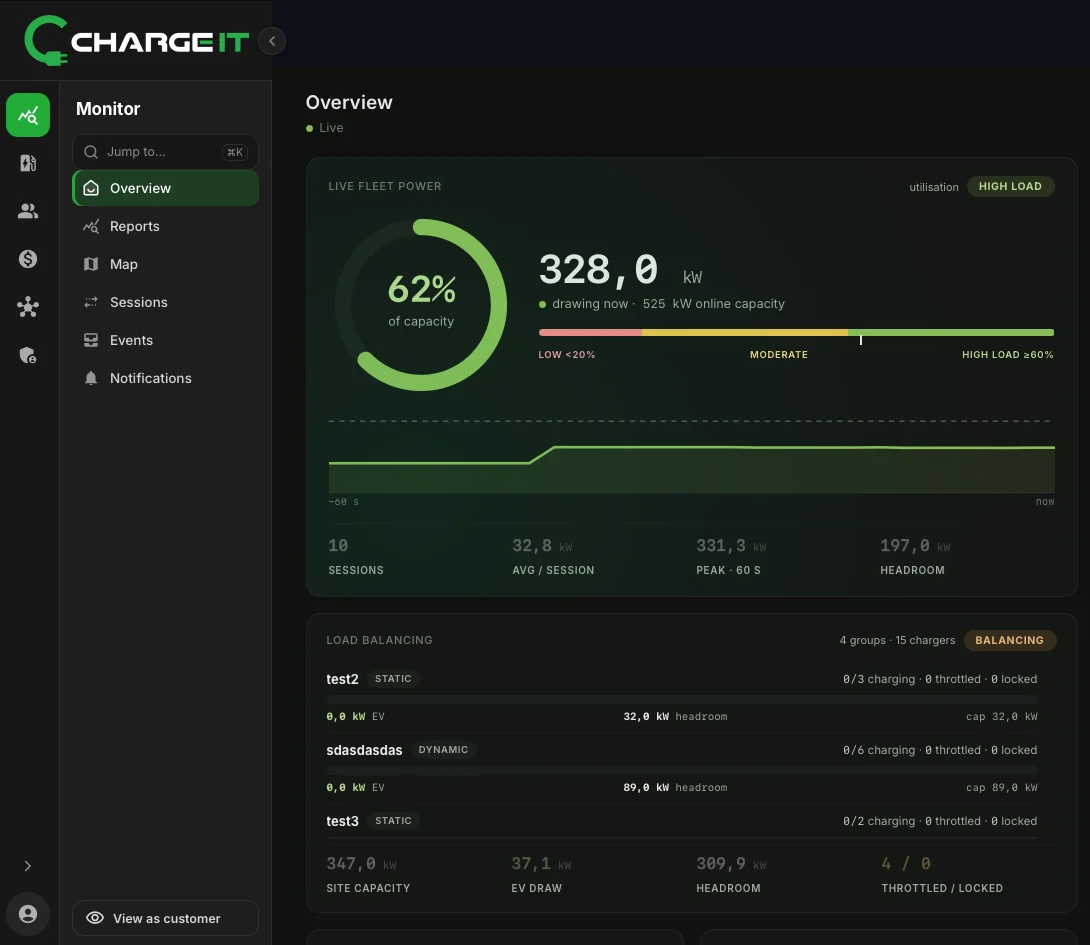
Fleet power, station status and every event in one place.
Monitoring GuideOCPP on ChargeIT
How chargers connect and are controlled, explained.
Read the guideQuestions
Charge point management, answered.
Which chargers work with ChargeIT?
AC and DC chargers that speak OCPP 1.6J or 2.0.1. The models on our hardware page are tested; others connect after a compatibility check.
Do I need to change the charger’s firmware?
No, as long as it supports OCPP 1.6J or 2.0.1. Features such as smart charging need the matching OCPP profiles in the firmware.
Can I control chargers from my own software?
Yes. Remote start, stop, unlock and availability are available through the ChargeIT API with the scopes enabled for your organisation.
What happens if a charger loses its connection?
It shows as offline in the console. When it reconnects, it reports its state and ChargeIT continues from there.
Bring your chargers.
Tell us the brands and models you run and we’ll show you them working in the console.
Book a demo